> ## Documentation Index
> Fetch the complete documentation index at: https://docs.suprsend.com/llms.txt
> Use this file to discover all available pages before exploring further.
# Authentication Methods
> Overview of authentication methods to securely access your SuprSend dashboard account, including Magic Auth, Google SSO, SAML SSO, and invite only sign ups.
**We support invite-only account association:**
This would mean that users registering with the same domain as your account domain won't be automatically added to the account. Users can join the account only if they are invited by the admin.
## Magic Auth
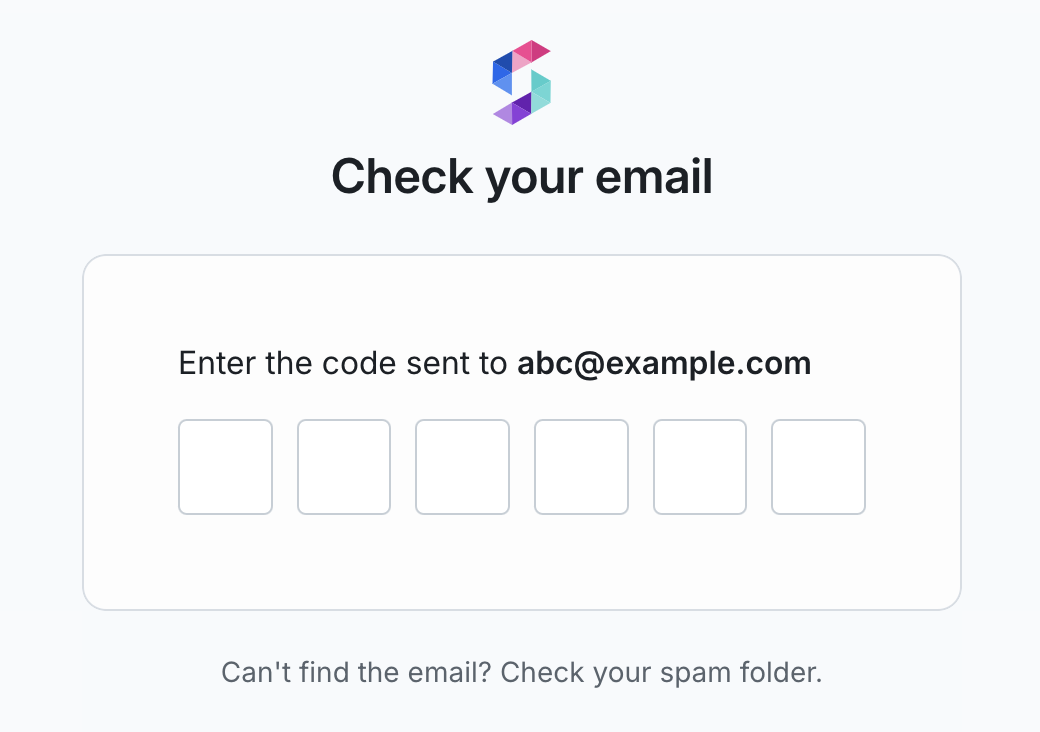
This is a password less authentication method that allows users to sign in or sign up using a unique six-digit, one-time-use code sent to their email inbox. This code remains valid for 10 minutes. Upon entering the code, users gain access to the SuprSend dashboard. Additionally, users who signed up using Magic Auth can switch to Google SSO during login.
 ## Social Login (Google, GitHub SSO)
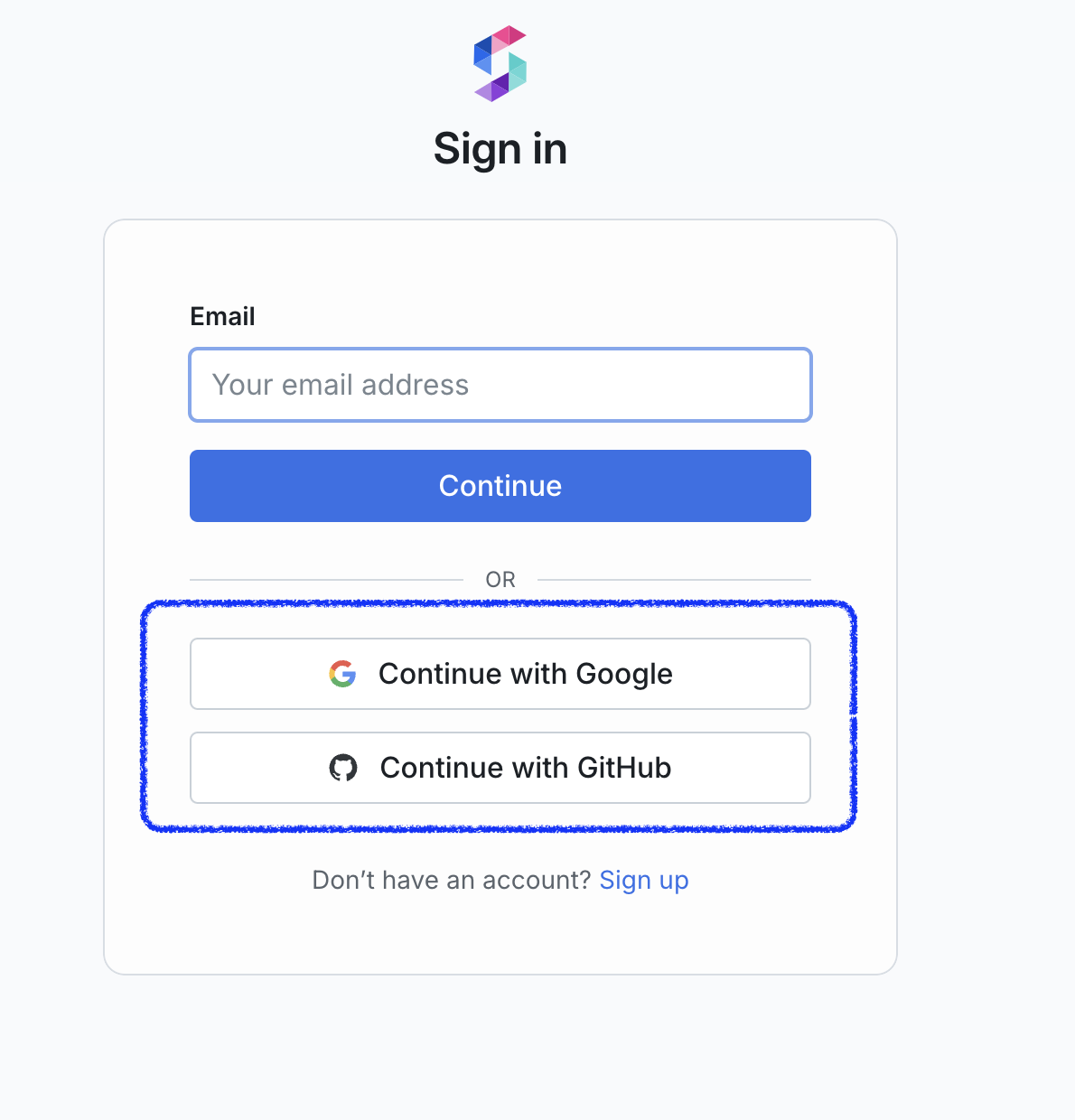
Users can login using their existing credentials with OAuth providers such as Google or GitHub.
## Social Login (Google, GitHub SSO)
Users can login using their existing credentials with OAuth providers such as Google or GitHub.
 ## SAML 2.0 SSO
This method enables users to authenticate using their corporate identity provider, such as Okta, to access their SuprSend account. Once SSO is enabled, all members are redirected through the identity provider's authentication flow for access.
**Available in enterprise plan**
If you're on the Enterprise plan and would like to enable the single sign-in, reach out to our support team at [support@suprsend.com](mailto:support@suprsend.com).
We'll share a step-by-step guide tailored to your specific identity provider (IdP).
## Multi-Factor Auth (MFA)
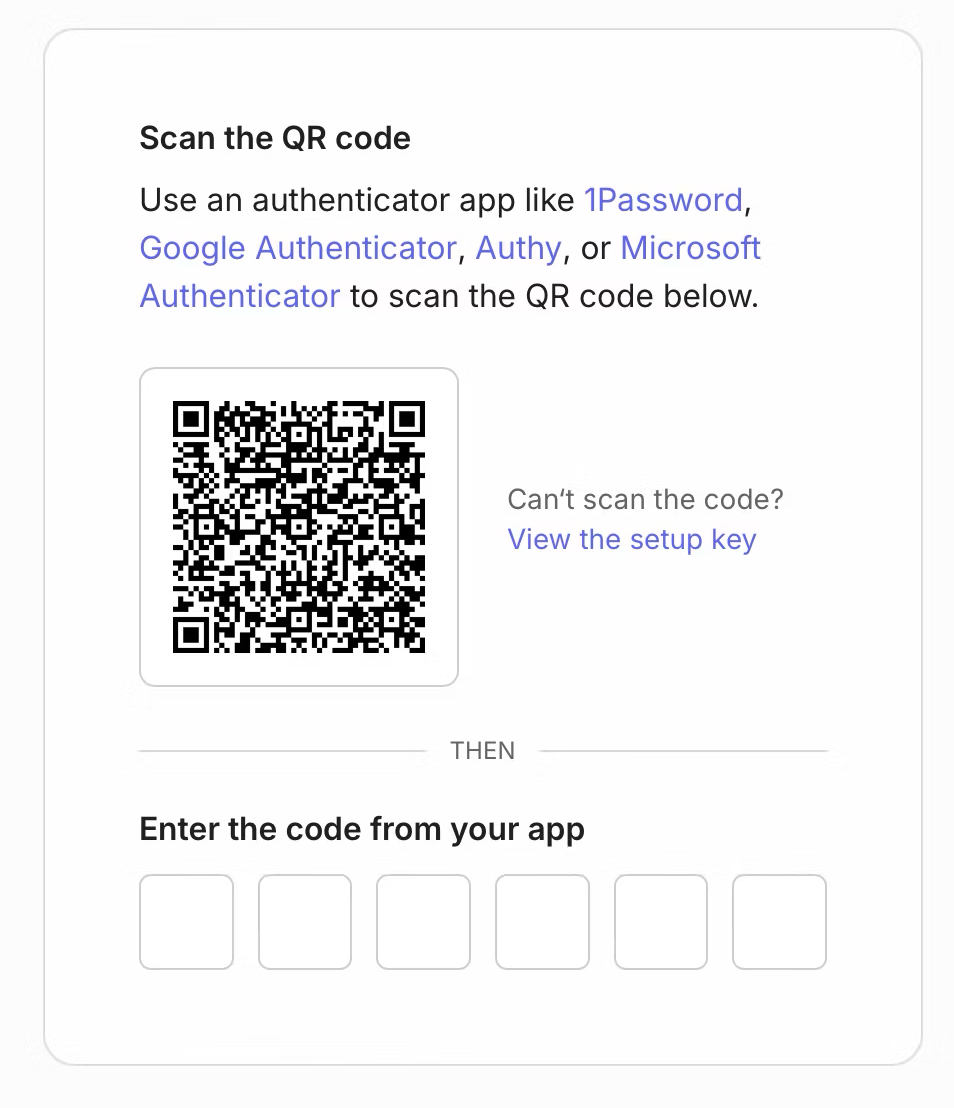
You can enable MFA in your account to introduce an additional layer to security to your account. Admin can enable MFA from your teams page. Once enabled, all team members will have provide an additional time-based one-time password (TOTP) every time they login.
## SAML 2.0 SSO
This method enables users to authenticate using their corporate identity provider, such as Okta, to access their SuprSend account. Once SSO is enabled, all members are redirected through the identity provider's authentication flow for access.
**Available in enterprise plan**
If you're on the Enterprise plan and would like to enable the single sign-in, reach out to our support team at [support@suprsend.com](mailto:support@suprsend.com).
We'll share a step-by-step guide tailored to your specific identity provider (IdP).
## Multi-Factor Auth (MFA)
You can enable MFA in your account to introduce an additional layer to security to your account. Admin can enable MFA from your teams page. Once enabled, all team members will have provide an additional time-based one-time password (TOTP) every time they login.
 ***
***