> ## Documentation Index
> Fetch the complete documentation index at: https://docs.suprsend.com/llms.txt
> Use this file to discover all available pages before exploring further.
# Events
> Send user events from your backend or frontend to SuprSend to trigger workflows, personalize notifications and drive event-based messaging.
The event (or sometimes referred to as event\_name) is a string describing an event. Events are also used to trigger [workflows designed on SuprSend Platform](/docs/trigger-workflow). All you have to do is send the event to SuprSend platform and the associated workflows will be triggered
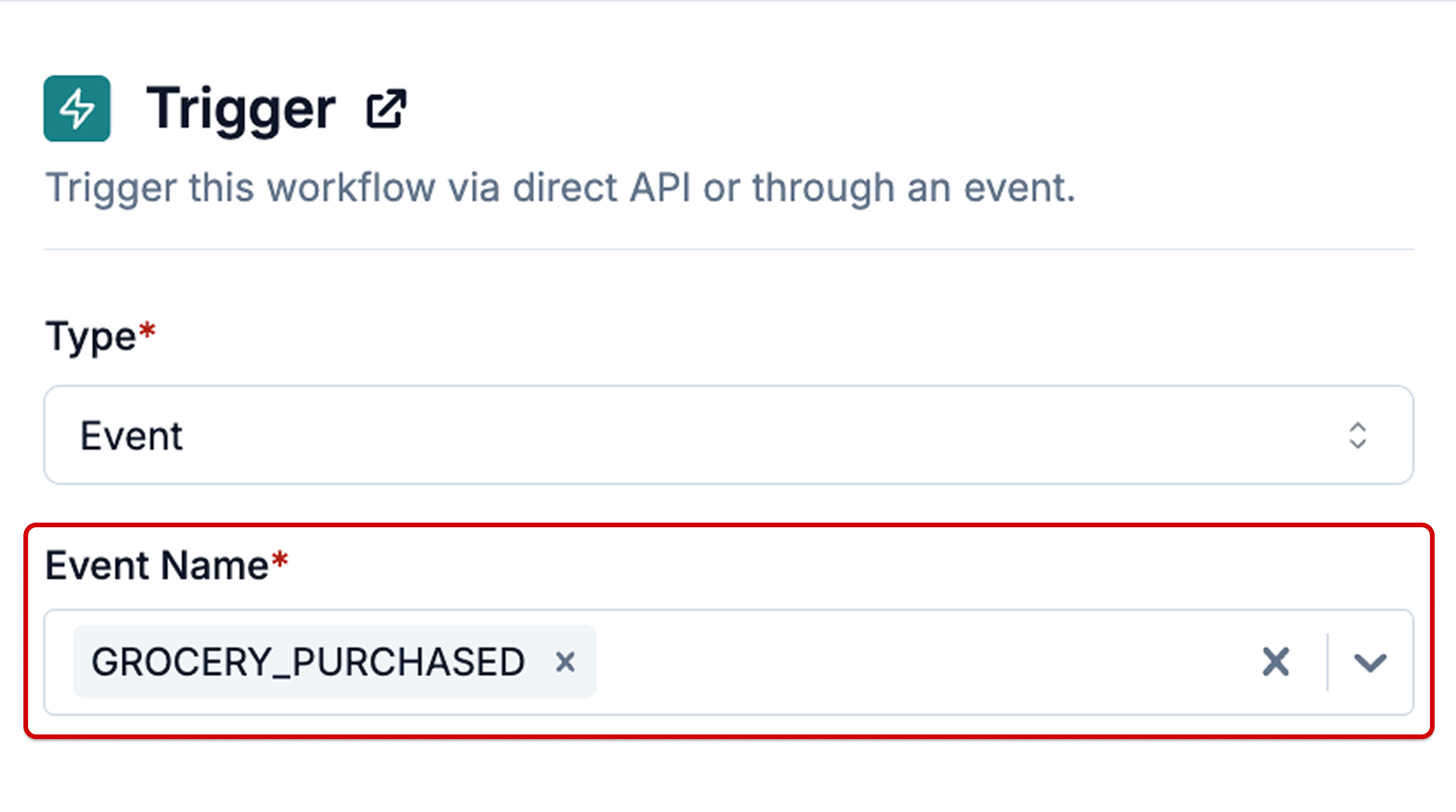
Below is an example of workflow with **'Event Name'** (`GROCERY_PURCHASED`) defined as trigger
 ## Send event to SuprSend
You can either use [HTTP API](/reference/trigger-event) or our backend SDKs to send events via your backend systems or use Client side SDK to directly sync events from your mobile or web applications.
## Backend SDK
## Client-side SDK
(for web applications)
(for mobile applications)
(for mobile applications)
(for mobile applications)
## Via third-party connectors
You can use connectors to directly sync events from your third-party data tracking platforms.
***
## Send event to SuprSend
You can either use [HTTP API](/reference/trigger-event) or our backend SDKs to send events via your backend systems or use Client side SDK to directly sync events from your mobile or web applications.
## Backend SDK
## Client-side SDK
(for web applications)
(for mobile applications)
(for mobile applications)
(for mobile applications)
## Via third-party connectors
You can use connectors to directly sync events from your third-party data tracking platforms.
***